Workbench
Running Ollama in Home Assistant on an RTX 5070 Ti: What Worked and What Lied
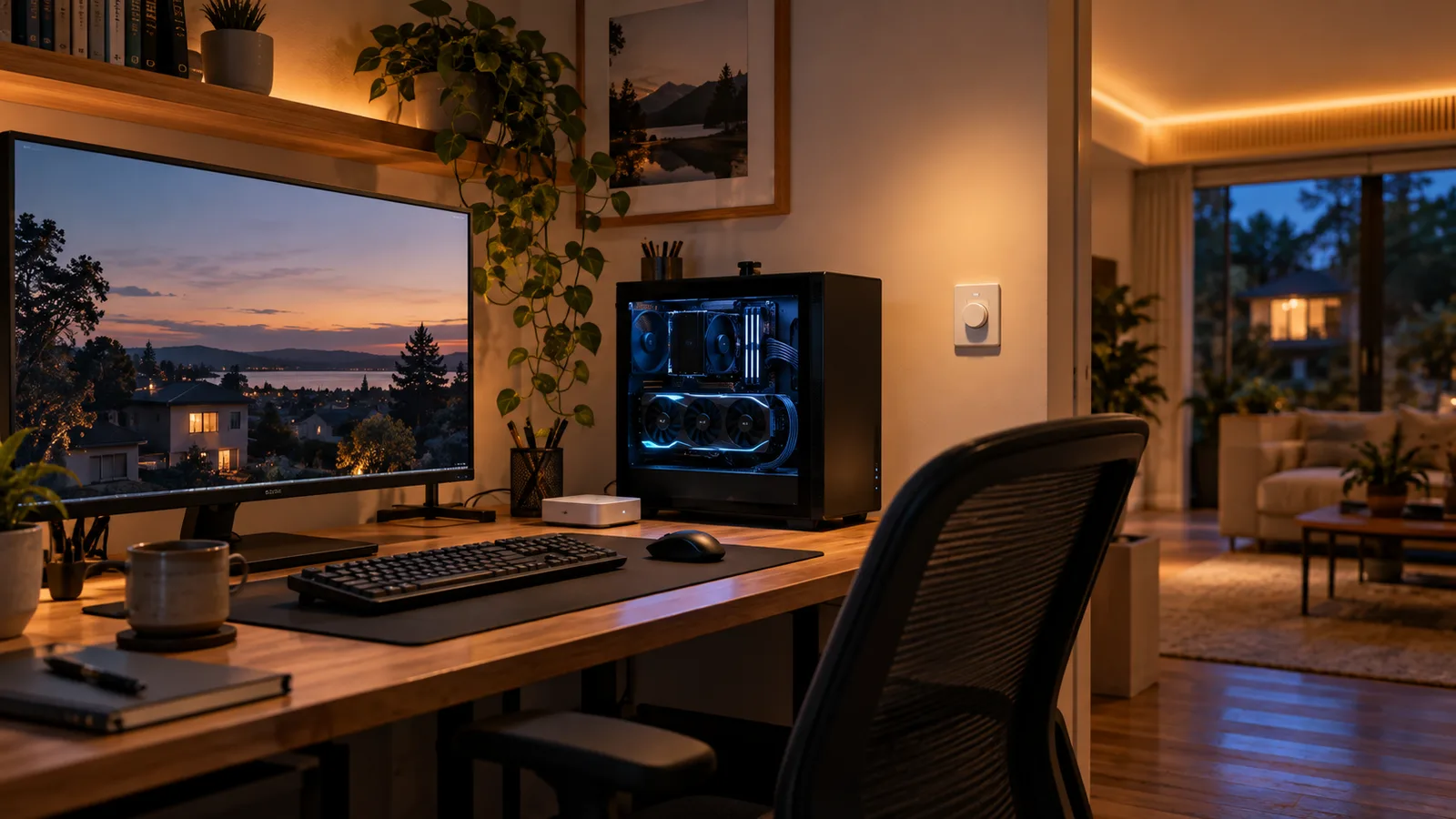
I gave Home Assistant a local Qwen3 model running on an RTX 5070 Ti. It answers in about two seconds when warm, keeps every prompt inside the house, and can control exposed devices. It also confidently claimed it had changed the lights when it had done nothing.
The system I actually tested
The model runs on my desktop workstation. Home Assistant runs on a separate always-on machine and reaches Ollama over the local network. No prompt needs to leave the house, but Home Assistant also has to accept that the workstation may be rebooting or switched off.
| Part | What I used |
|---|---|
| Runtime | Ollama 0.34.0 |
| Model | qwen3:14b, 9.3 GB Q4 |
| GPU | RTX 5070 Ti with 16.3 GB VRAM |
| GPU placement | 100%, with 13.8 GB resident at a 16k context |
| Local generation | 73–80 tokens/second |
| Home Assistant generation | About 50 tokens/second over the LAN |
| Warm response | About 2 seconds |
| Cold response | About 7 seconds |
Those are observations from this machine, not estimates from a spec sheet. They are also the reason I kept the 14B model instead of assuming that a larger model must be better.
The 24B model was slower for the wrong reason
I also tried mistral-small3.2:24b. Its 15 GB of weights left too little VRAM for a useful context window, so part of the model spilled to the CPU at every context size I tested. It generated 14–16 tokens/second at 16k context and about 27 at 4k. Qwen stayed fully on the GPU and ran roughly five times faster.
The practical ceiling for this card is not “a model smaller than 16 GB.” It is closer to 13 GB of weights, because the context cache needs room too. ollama ps settles the question: if the processor column does not say 100% GPU at the context I need, I am paying for that spill on every response.
Home Assistant needs to expect the model to disappear
The workstation does not have the same uptime contract as Home Assistant. I added a slow availability probe and a binary sensor, then made every consumer check that sensor before asking the model for anything important.
condition:
  - condition: state
    entity_id: binary_sensor.ollama_available
    state: "on"
That condition is intentionally boring. Without it, an automation can silently do nothing while the workstation is off. A five-minute probe interval is enough for this job and avoids filling the log when the endpoint is expected to be unavailable.
Ollama listens only on localhost by default, so I changed its bind address to make it reachable from Home Assistant. Ollama does not add authentication to that local API. I allow it on the trusted LAN and do not expose or port-forward the service to the internet. The Ollama FAQ documents the host setting and network behavior; the Home Assistant Ollama integration handles the conversation agent and AI Task entities.
The setup step that produced no entities
Creating the Ollama integration entry was not enough. The parent entry stores the server URL, but the useful entities came from two subentries: one conversation agent and one AI Task. Until I added those, Home Assistant had a configured integration with nothing to call.
I ended up with these useful pieces:
conversation.local_ai_qwen3for Assist and exposed-device control.ai_task.local_ai_taskfor structured or free-text generation inside automations.binary_sensor.ollama_availableas the availability gate.- A small REST-backed script for prompts that need explicit model and context parameters.
I added memory, but not by pretending the model remembers
A fresh Assist chat starts fresh. I wanted the assistant to remember stable details about the house—things like the Bond/Lutron ceiling-fan fix—without dumping old transcripts into every prompt or sending them to a cloud service.
I split that job in two. A short, reviewed house brief is part of the conversation agent’s instructions. For facts that change, I use a native Home Assistant Local to-do list called todo.home_memory. The model can call one exposed script to read it, add a note, or forget a note.
I tested the whole path instead of trusting the assistant’s reply. In one chat I asked it to save a fact, saw the script report success, and independently found the note in Home Assistant’s to-do list. After a full dashboard reload and a new chat, the assistant read the list and recalled the note without access to the earlier conversation.
The script rejects exact duplicates, limits active notes to 40, caps new notes at 500 characters, and reports an error instead of silently discarding old context. I can review or edit everything under Home Assistant’s To-do lists. Completing a note archives it; unchecking it restores it.
That boundary matters. Household context is visible to people who can use this Home Assistant instance, so it is not a private per-user memory store. The prompt also remains manually maintained. Repository changes and my other Codex conversations do not flow into it automatically.
The model can control the house; that does not mean it should improvise
An explicit command worked well: dim the kitchen lights to 30 percent and set the TV mood light to blue. The model made both calls in one turn, and the entity states confirmed both changes.
A vague goal was much less reliable. I asked it to make the kitchen dim and warm for a late-night snack three times. Once it changed the brightness correctly. Twice it changed nothing. In both failures, it still replied as if it had done the job.
That is the failure mode I care about: not an error, but a confident false confirmation. The response payload also showed only the last successful tool call, so I could not treat the assistant’s summary as an audit log. The state of the entities is the evidence.
The fix is a scene, not a more poetic prompt
This house already has 57 scenes. A local 14B model is much better at choosing “Late-night kitchen” from a short list than inventing brightness and color temperature across several lights. A scene collapses a fuzzy request into one tested Home Assistant action.
That changes the model’s job:
- Interpret what I said.
- Choose from a narrow set of known end states.
- Call one scene.
- Let Home Assistant—not the model—own the actual device settings.
I also keep locks, security-sensitive controls, and anything with meaningful physical consequences out of the initial exposure set. A language model should earn a wider control surface.
Exposing every entity wastes context and hurts accuracy
My Home Assistant installation has 758 entities, including 40 lights, 63 switches, 24 media players, 57 scenes, and 55 scripts. With too much exposed, the entity list and tool definitions consumed 6,526 prompt tokens before I had said a word. That was 40 percent of a 16,384-token context window.
A curated Assist exposure list improves three things at once: the prompt is shorter, the model has fewer wrong tools to choose from, and more context remains for the conversation. Hiding irrelevant entities is not cosmetic cleanup. It is part of the model configuration.
I let the model extract numbers, then calculate in code
The local model is useful for turning messy text into fields. It is not a calculator. In one repeated test, Qwen read “12,400 sends” correctly, wrote the correct division beside it, and still returned 1.45 percent instead of 0.145 percent three times.
The safe pattern is structured extraction followed by deterministic Home Assistant math:
- action: ai_task.generate_data
  data:
    task_name: extract_campaign
    entity_id: ai_task.local_ai_task
    instructions: >-
      {{ report_text }}
      Extract the raw counts. Do not calculate a rate.
    structure:
      sends: { selector: { number: {} } }
      signups: { selector: { number: {} } }
  response_variable: result

- variables:
    signup_rate: >-
      {{ (result.data.signups / result.data.sends * 100) | round(3) }}
The model handles language. The template handles arithmetic. That boundary is easy to test and easy to explain when a number matters.
Pinning the model trades VRAM for responsiveness
A cold request took about seven seconds. Once the model and its 6,500-token tool prompt were cached, the same path took about two. I set keep_alive: -1 to keep it resident, which holds 13.8 GB of VRAM even while the GPU is almost idle.
That is a good trade while I am testing voice control and a bad one before launching a game that wants the same memory. A five-minute keep-alive would return roughly 11.5 GB after an idle spell, at the cost of a seven-second first response next time.
The setting also has to match on both the conversation and AI Task subentries. When mine differed, switching between them forced a reload and even changed the active context size. They now use the same model, 16k context, history limit, thinking setting, and keep-alive value.
What I use it for now
The Home Assistant side is for short language tasks and carefully bounded control: choosing a scene, generating a notification, answering a question about exposed state, or extracting structured fields for an automation.
Long documents do not go through Home Assistant. I use a small command-line client that sends local files directly to Ollama. A 3,500-token document is read in about two seconds on this hardware. Keeping that workflow separate avoids turning Home Assistant into a batch-processing dependency for no reason.
Would I build it this way again?
Yes, with the same boundaries. The RTX 5070 Ti can run this particular 14B model fast enough for an assistant, and local processing makes private household context much easier to justify. But “local” does not make a model correct, authenticated, or safe to hand every entity in the house.
The useful version is not an all-knowing house brain. It is a fast language layer in front of a smaller set of deterministic Home Assistant actions—with availability checks, curated exposure, scenes for important end states, and ordinary code doing the arithmetic.
Disclosure: I bought and operate the hardware described here. The measurements are from my own system. The documentation links are not affiliate links. If I later add commissioned links for compatible hardware, I will label them on this page.