Workbench
Should You Buy Eufy HomeBase 3 for Home Assistant?
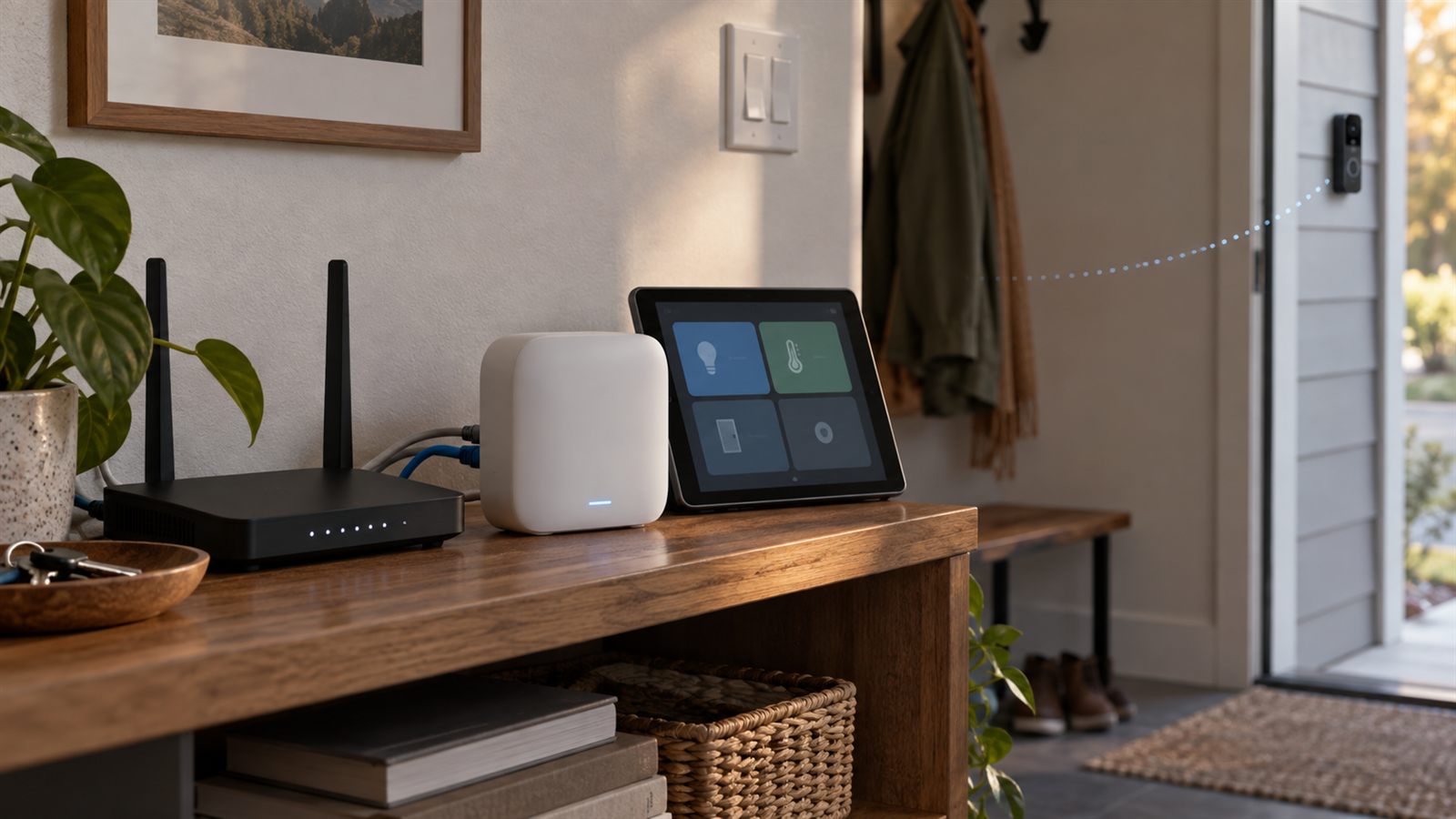
I would not buy a Eufy HomeBase 3 just to put Eufy devices in Home Assistant. I would buy it for a deliberately chosen set of compatible Eufy security devices, centralized recording, and expandable local storage—then treat Home Assistant as an optional layer whose current integration path can change underneath me.
What is actually in this house
The current security base is a Eufy HomeBase 3, model T8030. The older video doorbell was taken out by lightning. So was the older S1 vacuum. The current vacuum is an Omni S2, but it reaches Home Assistant through Matter and is not evidence for the security base.
That distinction matters because Home Assistant still contains old Eufy registry labels from the dead doorbell setup. A device registry is useful evidence that something once existed. It is not proof that the camera is alive, that the current HomeBase is exposing it, or that an old product number is the right replacement to buy.
I can honestly say the T8030 HomeBase is current equipment. I cannot turn its presence into a current doorbell review. Any replacement article needs to start with the exact doorbell model, its power source, its HomeBase compatibility, and what it actually exposes after installation.
What HomeBase 3 is good at on paper
Eufy sells the T8030 family as the HomeBase S380, or HomeBase 3. Its current US product page lists 16 GB of built-in eMMC storage and support for a 5 V, 2.5-inch SATA HDD or SSD. Eufy advertises expansion up to 16 TB, although the drive is not included.
The same page lists a gigabit Ethernet port, two USB ports, an internal 100 dB siren, up to 16 security devices and 34 sensors, and the company’s BionicMind recognition features. Those are manufacturer specifications, not measurements I made in this house.
The valuable part is less glamorous: one known place for compatible camera clips. Storage capacity is still not the same as retention. Resolution, event frequency, clip length, continuous recording support, and the exact camera determine how quickly a drive fills. I would not buy a large disk from a generic “months of footage” estimate.
Choose the camera before the base
Eufy’s product page says HomeBase 3 is broadly compatible with Eufy Security devices but explicitly carves out wired doorbells. It also links to a separate compatibility schedule. That is enough ambiguity for a simple buying rule: I would check the exact camera or doorbell model against the current compatibility list before ordering either box.
| Decision | What I would verify | Why it comes first |
|---|---|---|
| Camera or doorbell | Exact model, battery or wired power, field of view, recording mode, and HomeBase 3 support | The base cannot fix a camera that is wrong for the doorway. |
| HomeBase | Whether that exact device requires, supports, or bypasses T8030 | “Eufy Security” is not one universal connection path. |
| Storage | Supported drive type and realistic event volume | A bigger disk does not create missing camera features. |
| Home Assistant | Entities and events exposed by the current integration stack | This is the most changeable layer and should not decide the hardware purchase alone. |
This ordering would have prevented the base from becoming a sunk-cost argument after the old doorbell died. I already own HomeBase 3, but that does not mean the next doorbell should automatically be whichever Eufy model happens to be on sale.
The Home Assistant path is not a product feature
There is no Home Assistant Core integration page that promises native Eufy Security support. The commonly used project is a HACS custom integration. Its own documentation calls the release alpha, requires a separate websocket add-on, and recommends a secondary Eufy account because starting the add-on can displace other sessions.
That stack also relies on Eufy credentials, regional cloud access, push notifications, and device-specific streaming behavior. Some camera paths use RTSP; others need peer-to-peer streaming converted for Home Assistant. That is useful engineering, but it is not the same failure boundary as an official local-push integration such as the Caséta bridge.
On September 12, 2026, the maintainer archived the legacy hassio-eufy-security-ws repository and pointed users to the new eufy-sdk. The archive notice says Eufy is retiring the legacy APIs as its broader platform migration continues. The replacement project targets security devices, vacuums, lights, events, and media through the current Eufy backend.
That may become a healthier foundation. It is not, by itself, a finished Home Assistant migration. A new SDK, an add-on, a custom integration, and a working entity for one exact doorbell are four different things. I would wait for the current integration path to settle before buying hardware specifically for dashboard or automation behavior.
When I would buy HomeBase 3
- I have already chosen compatible Eufy cameras. The cameras solve the actual security problem, and the base centralizes their system.
- I want local recording with expandable storage. The SATA bay is a concrete reason to own the box, independent of Home Assistant.
- I want one Eufy security boundary. I am comfortable managing cameras, sensors, storage, and security modes in Eufy’s own system first.
- I can tolerate optional integration work. If Home Assistant loses a camera entity after an API migration, the security system still needs to do its primary job.
When I would skip it
I would skip HomeBase 3 if I had not selected a compatible camera, if a single standalone device already met the need, or if the only goal was a Home Assistant dashboard. I would also pause on a wired-doorbell purchase until the exact model appears on Eufy’s current compatibility material; the broad product-page wording is not enough.
I would not describe the box as “fully local.” Recordings can be local, but the custom Home Assistant route described by its maintainers uses account credentials, regional servers, notifications, and peer-to-peer or RTSP behavior depending on the device. Local storage and local control are separate questions.
Finally, I would not let the 16 TB headline decide the purchase. A security hub with no correctly placed camera is just another always-on box. Camera coverage, power, notification quality, export behavior, and recovery after a failed drive matter before maximum capacity.
The failure boundary I want
The Eufy system should record and notify as a Eufy system. Home Assistant may consume a motion event, change a light, or present a camera, but it should not be the only path to the security function. That keeps a HACS update, add-on restart, API migration, or broken dashboard from silently becoming a camera outage.
I use the same rule elsewhere in the house: Caséta wall controls still operate their loads without Home Assistant, and the S2 vacuum remains usable through its own product path even though Matter exposes a smaller control surface. The automation layer is most useful when removing it leaves the appliance’s basic job intact.
The purchase boundary
I would buy HomeBase 3 again only as part of a model-verified Eufy security plan. I would not buy it for the phrase “works with Home Assistant.” Today, the honest sequence is camera first, compatibility second, base and storage third, optional Home Assistant integration last.
For the broader device split, see how Eufy, Caséta, WLED, and Matter remain separate systems in my house. The Omni S2 article explains why Matter exposes only a useful subset of that vacuum, while my Home Assistant hardware list applies the same failure-boundary test across the stack.
What is installed and what is not
The installed model and lightning history come from the current house inventory and owner record. Storage, connection, device-count, siren, and AI specifications come from Eufy’s current HomeBase 3 product page. The custom-integration architecture and alpha warning come from the Eufy Security Home Assistant integration repository. The September 2026 legacy-API warning and migration link come from the archived websocket add-on repository and the replacement eufy-sdk project.
I have not installed a replacement doorbell, validated a 16 TB drive, or completed the new SDK migration in this house. Those remain explicit limits, not missing footnotes.
Disclosure: I own the HomeBase 3 described here. The hero is a generated editorial illustration, not product photography. The external links currently go to official product or project documentation, not affiliate links. If a product link later pays a commission, I will label that relationship on the page.