Analysis
Why Home Assistant Supervised in Compose Is a Dead End
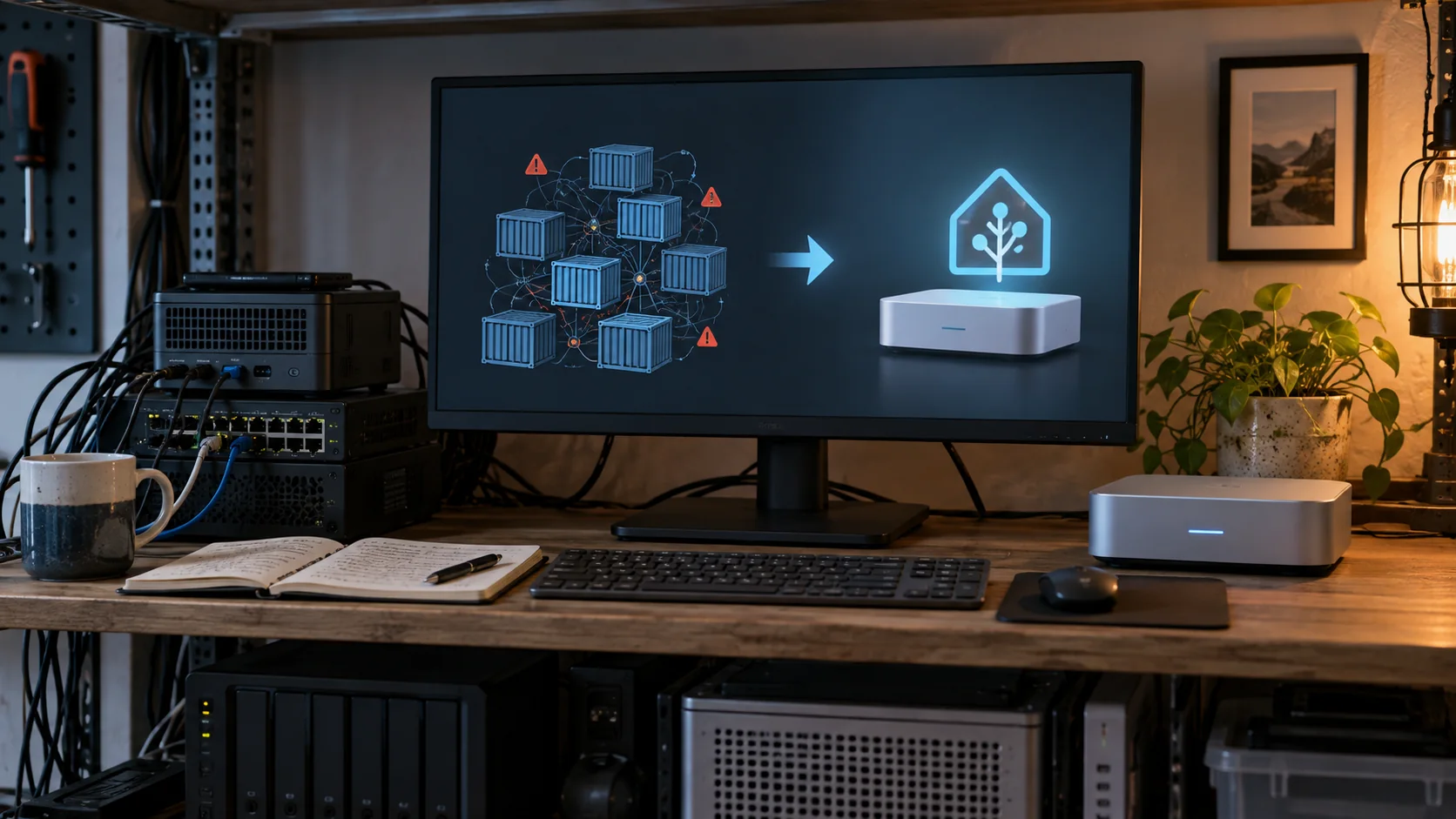
A reproducible Compose file cannot turn an unsupported Home Assistant installation into a supportable one. Use Home Assistant OS when Supervisor and add-ons are required, or use Home Assistant Container and own the surrounding services explicitly.
In this article
I updated the repository before I questioned the premise
The repository started in 2019 as a way to get the full Hass.io experience onto a plain container host. That was attractive: one Compose service could launch Supervisor, and Supervisor could create Home Assistant plus its add-on containers through the Docker socket.
Seven years later, the obvious maintenance work was still straightforward. I changed the Supervisor image from an old Docker Hub reference to ghcr.io, pinned it to 2026.04.0, removed the obsolete Compose version key, and set restart: unless-stopped. I also wrote a helper that can start the stack, wait for port 8123, report related containers, and distinguish an ordinary restart from a forceful cleanup.
One image-family assumption even failed during that update. I initially changed the Home Assistant repository from qemux86-64 to an amd64 name that looked more natural for bare-metal x86 hardware. Supervisor expected a :landingpage tag that image family did not provide, so I reverted to qemux86-64-homeassistant. That is exactly the sort of private contract an unsupported stack makes me own.
This is not ordinary Home Assistant Container
The important distinction is hidden by the word “Docker.” Home Assistant Container runs Home Assistant Core as a container on a Linux host I maintain. It does not include Supervisor or the managed app store. That is a current, supported installation method.
This repository does something else. It launches Home Assistant Supervisor in a privileged container, mounts the host Docker socket and system D-Bus socket, and lets Supervisor create more containers outside Compose’s ownership.
privileged: true
security_opt:
  - seccomp:unconfined
volumes:
  - /var/run/docker.sock:/var/run/docker.sock
  - /var/run/dbus/system_bus_socket:/var/run/dbus/system_bus_socket
That arrangement creates two control planes. Compose knows about the Supervisor container. Supervisor knows about Home Assistant and its apps. Stopping the Compose project does not automatically mean every child is stopped, and manually removing a child can leave Supervisor’s view of the system out of step with Docker’s.
The startup script also clears Supervisor’s saved last_boot value before launch. That was a practical workaround for container recreation, but it is another sign that the installation is imitating an environment Supervisor expected to control.
The support decision changed after this idea was useful
Home Assistant deprecated the Core and Supervised installation methods in 2025 and ended support with the 2025.12 release. The project’s current explanation is unusually clear: Home Assistant OS is recommended for almost everyone, while Home Assistant Container is intended for people who already run Docker and accept responsibility for the host and surrounding services.
The deprecation announcement did not say custom installations would instantly stop running. It said issue reports would no longer be accepted and recommended migration to OS or Container. That difference matters: “still starts” is not the same promise as “supported through future changes.”
I can keep chasing image tags, startup assumptions, D-Bus behavior, and Supervisor health checks. I cannot turn that maintenance into upstream support by making the Compose file cleaner.
My decision tree now has only two branches
| What I want | What I would choose | What I accept |
|---|---|---|
| Supervisor, apps, managed updates, and the appliance experience | Home Assistant OS | Home Assistant owns the operating environment. I can run it on dedicated hardware or in a VM. |
| Home Assistant alongside services I already manage with Docker | Home Assistant Container | I manage Docker, updates, backups, and adjacent services. There is no Supervisor app store. |
| A privileged Supervisor container on my general-purpose host | I would migrate | The stack may run, but it is outside the supported installation paths. |
The choice is not “easy versus advanced.” Home Assistant OS in a virtual machine can still leave the physical host available for other work while giving Supervisor the environment it expects. Container can be the cleaner advanced choice when I prefer explicit services and already know how I will replace the jobs previously handled by apps.
I would not rebuild the same stack just to avoid buying hardware
This is not an argument for throwing away a capable computer. Home Assistant OS can run on supported 64-bit hardware or in a VM, and Home Assistant Container can run on an existing Linux host. The migration choice and the hardware purchase are separate decisions.
For an always-on box, I care more about idle power, storage health, backup recovery, and the number of jobs sharing one failure mode than benchmark performance. My old-PC payback guide and calculator compares the electricity difference with replacement cost; it does not assume a new mini PC automatically pays for itself.
The backup is the migration plan, not the Compose file
Before changing installation types, create a backup containing the data you need and keep a copy outside the current host. Keep the matching emergency kit somewhere safe for encrypted backups. Home Assistant’s backup documentation distinguishes an encrypted stored backup from a download through its backup page, which is decrypted during download. Protect that downloaded archive as sensitive data.
A readable archive is not a completed restore test. Check that the destination has enough storage and can restore the required components. Moving to Container does not bring Supervisor-managed apps with it; arrange replacements for those services separately.
I would also record everything the old host provides outside Home Assistant: USB radio mappings, serial device paths, reverse-proxy names, local DNS entries, manually managed containers, and any directories that were mounted beside the main configuration. A Home Assistant backup cannot restore a neighboring service it never owned.
Keep one instance in control during cutover
A restored configuration can contain the same automations and credentials as the original. Do not give both instances access to the same house and assume they will coordinate. For a restore rehearsal, isolate the replacement from production devices and external services before starting it. That proves less than a live cutover, but avoids duplicate commands while inspecting the restored configuration.
For the actual cutover, stop the old instance before attaching its radios or enabling the replacement’s production access. Record which host owns USB devices, IP addresses and service names. Keep the old installation intact but stopped; if rollback is necessary, stop the replacement before returning those resources to the original.
The checks that matter in this house are concrete:
- Caséta, Matter, Bond, WLED, and Eufy entities return with the expected names.
- Automations survive a reboot and fail clearly when an optional device is unavailable.
- Local backups leave the Home Assistant machine.
- USB radios retain stable paths and do not depend on enumeration order.
- The old installation stays intact but stopped until the replacement has passed the relevant device, automation, reboot and backup checks.
I have not performed this production migration; the cutover checks above are a proposed procedure. This is the decision the repository evidence supports: the Compose stack can be maintained, but I would spend the effort moving off it instead.
What happens to the repository
I am keeping the repository public because old infrastructure can still explain a real system, a compatibility failure, or a migration. I would change its front page to make the 2026 status impossible to miss and point new installations at the two supported choices.
I would not publish another version bump as proof that the method is current. A pinned image can make a deployment reproducible; it cannot make the architecture supported. The useful artifact now is the boundary it exposes: one Compose service was quietly responsible for a privileged second orchestrator, and every upstream assumption became part of my maintenance load.
Disclosure: I maintain the linked repository. I reviewed its code and history for this article but did not reinstall it on a production Home Assistant system.