Skip to content
Hack Your WorldSoftware · Infrastructure · Home automation

Analysis

10 Windows Tools for Technical Operations

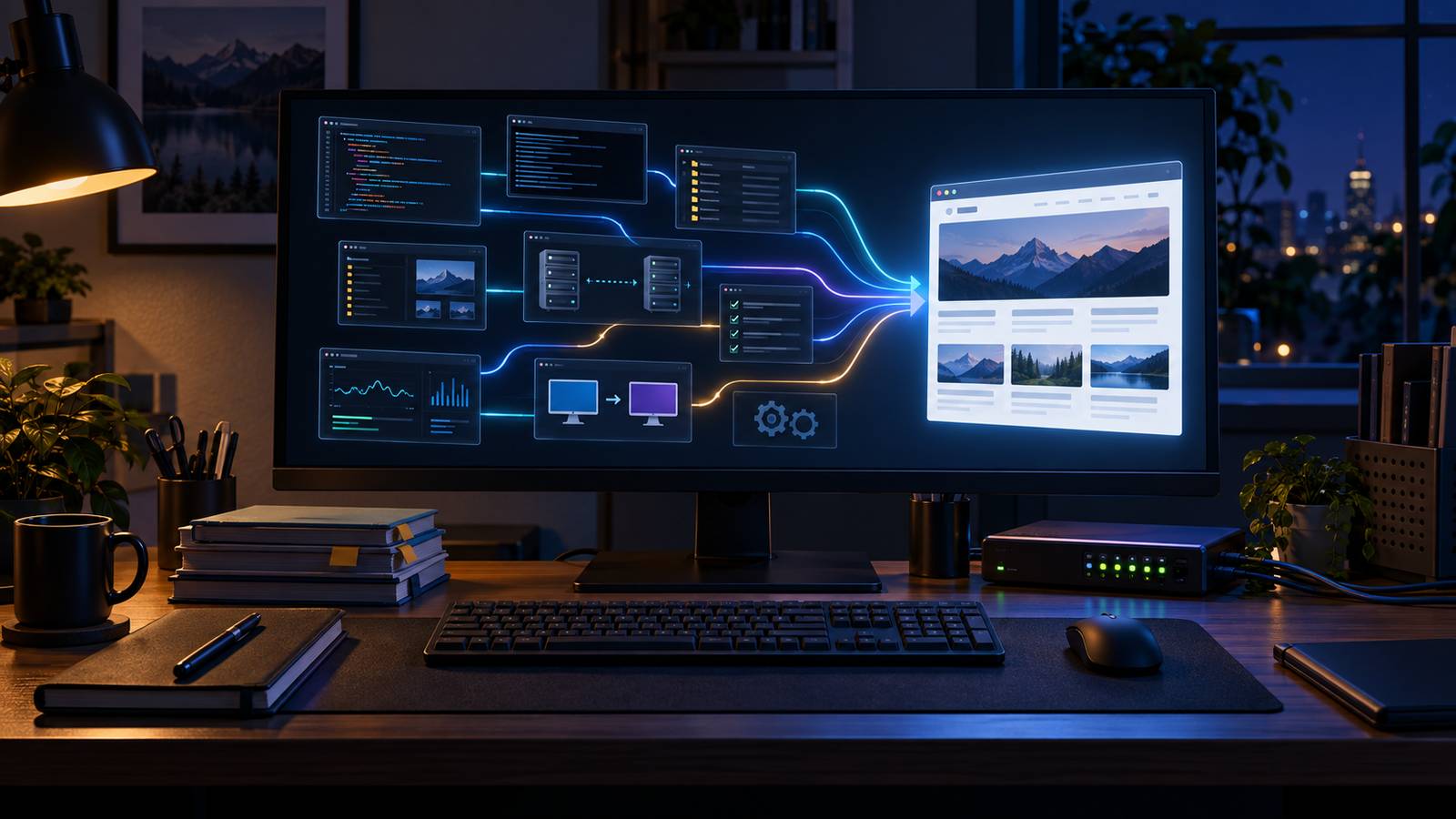
A Windows workstation connecting source inspection, server transfer, verification, and a published website
AI image: Hack Your World

A technical Windows workstation needs a small set of tools that make state observable and rebuildable: Terminal, PowerShell, Git, GitHub CLI, OpenSSH, curl, ripgrep, Python, Node.js, and WinGet. Each earns its place in a specific operating path.

These ten tools survived an actual rebuild

The site rebuild supplied a useful filter. A tool belongs here only if I used it in the publishing path or verified its current installation on the Windows machine. I am not ranking text editors, media players, archive utilities, password managers, browsers, or antivirus products. Those are different decisions with different evidence.

The version snapshot below is from September 13, 2026. It will age. The jobs are more durable than the numbers.

What was present when I checked this machine
Tool Observed version Job in this workflow
Windows Terminal 1.24.11911.0 A practical host for separate shells and remote sessions
PowerShell 7.6.5 Orchestration, file metadata, hashing, and process control
Git for Windows 2.55.0.windows.3 Inspecting exact changes and preserving history
GitHub CLI 2.100.0 Repository, pull-request, and check status without browser hopping
OpenSSH client 9.5p2 Controlled server access and file transfer
curl 8.21.0 Checking the response the server actually returned
ripgrep 15.2.0 Searching source for contradictions and stale claims
Python 3.13.15 Small data reports, including aggregate traffic analysis
Node.js 24.19.0 Bounded live-site assertions and calculator tests
WinGet 1.29.290 Discovering and reinstalling known packages deliberately

PowerShell, Node, and ripgrep were supplied inside or alongside the current tool runtime rather than all being global system installations. Git, GitHub CLI, Python, Windows Terminal, WinGet, OpenSSH, and curl were visible through the normal Windows command or package surfaces. I am documenting the exact provenance because “installed on my PC” can otherwise hide several different meanings.

1. Windows Terminal: a host, not another shell

Windows Terminal does not replace PowerShell, Command Prompt, SSH, or a WSL shell. It hosts them. That distinction matters when a tutorial says to “open Terminal” and then assumes a command language.

I keep separate profiles for jobs that deserve separate histories and environments. A production SSH session should not be visually indistinguishable from a disposable local shell. Tabs and panes help, but color is not a safety control. I still read the prompt, current directory, host, and command before pressing Enter.

Microsoft’s current documentation describes Terminal as a host for multiple command-line applications. That is exactly how I value it: one good window for several tools, not a reason to turn every task into a complicated dashboard.

2. PowerShell: the Windows control layer

PowerShell carried most of the local orchestration in this rebuild. It located files, calculated hashes, inspected installed commands, passed literal paths to other programs, and collected their exit results. The object pipeline is the reason I choose it over a long chain of text parsing for Windows state.

The useful habit is to prefer the full object until I hand it to another program. I can filter a file object by name, size, or timestamp without first flattening it into a line of text and then trying to reconstruct its meaning.

I also keep scripts noninteractive when the operation is supposed to repeat. A command that opens a prompt, changes a window, or silently uses a different profile may be fine for exploration and wrong for deployment.

3. Git: the answer to “what changed?”

Git earned its place here through inspection rather than ceremony. Before a release, I want the exact patch, the exact untracked files, and the ability to separate my change from unrelated work already in the checkout.

git status --short
git diff -- path/to/file
git diff --check

The first command shows scope. The second keeps review bounded. The third catches whitespace errors that can make a clean-looking patch noisy. None proves that the site works, but each removes a different source of ambiguity before the live tests begin.

I do not use destructive reset commands as routine cleanup. An uncommitted change may belong to another task or to the person who owns the checkout. Git is most useful when it preserves evidence, not when it makes the screen look tidy.

4. GitHub CLI: the repository boundary without tab sprawl

The GitHub CLI handled the repository side of this work: opening documentation changes, checking pull-request state, and reading check results. Eight public repositories now link their relevant field-note article back to this site. The command line made that repeated path easier to verify without pretending Git and GitHub are the same system.

Git owns local history. GitHub owns hosted repository state such as pull requests and Actions checks. A local commit can be sound while a remote check fails; a green remote check can cover less than the release needs. I keep both sources visible.

I avoid printing authentication state, tokens, remote URLs containing credentials, or raw API responses merely to prove the CLI is installed. The tool’s current manual documents environment-token support; that is a reason to handle output carefully, not a reason to paste credentials into a shell transcript.

5. OpenSSH: the deployment path I can bound

OpenSSH is built into current Windows releases as an available component. I used the Windows client to reach the server, run narrow checks, and transfer reviewed release files. I did not turn the deployment into a giant remote shell string.

A good remote command answers one question: does this PHP file parse, does this file hash match, does the live configuration contain the expected version? The less context I print, the lower the chance that a useful diagnostic also exposes private infrastructure.

The companion article on SSH dynamic forwarding covers the limits of a SOCKS proxy. For deployment, the more important rules are host-key verification, least necessary privilege, exact target paths, and a rollback copy before replacement.

6. curl: the shortest path to the HTTP truth

A browser shows a rendered interpretation. Curl shows the response. I used it to verify status codes, redirects, content types, the AdSense loader, and all four crawler paths for ads.txt.

curl.exe --silent --show-error \
  --dump-header - \
  --output NUL \
  https://hackyourworld.com/ads.txt

On this site, the important result was not “the URL opens.” It was HTTP 200 with text/plain and the exact publisher record. Google’s interface still had processing state to catch up with the valid file, so the direct response prevented a pointless rewrite.

I use curl.exe explicitly in PowerShell when aliases or functions could make the shorter name ambiguous on another Windows setup. I also give requests a bounded purpose. Dumping an entire authenticated response can leak cookies, tokens, or private content.

7. ripgrep: the fastest editorial tool in the list

Ripgrep was not just a code searcher here. It found stale post counts, plural editorial voice, old product claims, obsolete commands, and phrases that contradicted the current Home Assistant inventory.

rg -n "thirty-five|35 current|S1|S2" REVENUE-MODEL.md
rg -n "Matter bulb|S1|S2|HomeBase" . -g "*.php" -g "*.md"

Its default respect for ignore files is useful in a source tree, but it can also hide files I meant to inspect. A clean result does not prove that hidden, ignored, generated, database-backed, or remote content is clean. I search the source where the claim lives, then verify the rendered site separately.

The project’s own documentation calls out recursive search and automatic filtering. Those defaults make it pleasant; knowing when they exclude evidence makes it trustworthy.

8. Python: small reports with explicit privacy limits

Python produced the aggregate server-log report used to decide whether paid traffic made sense. The script counts requests, filters recognizable automation, groups search referrers by day and landing path, and never emits IP addresses, query values, or raw log lines.

That report is intentionally conservative. A browser-looking request is not proof of a person, session, or purchase. A referrer can be missing or forged. The latest count still shows no September 13 search-referrer request, so I am not buying traffic based on test-generated request growth.

Python is a good fit because the input is messy text and the output is a compact data structure. It is not a reason to turn every two-line file operation into a new script.

9. Node.js: assertions against the public site

Node runs the release checks that visit every mapped page, validate internal links, confirm one title and description, verify image metadata, test archive privacy, exercise calculator formulas, and make sure affiliate output remains disabled before program approval.

The distinction from Python is practical rather than ideological. The live checks already fit the same JavaScript platform as browser-oriented parsing and calculator logic. The traffic report already fit Python’s standard library. I choose the smallest maintained runtime for the job and do not rewrite working checks to make the list look consistent.

A passing assertion is only as broad as its condition. “Page returned 200” is not the same as “article is accurate.” This rebuild added content-specific assertions for product inventory, tested measurements, explicit limits on what was tested, and removal of dangerous legacy commands.

10. WinGet: useful when the machine has to be rebuilt

WinGet is present on this machine, but I did not use it to install the working tools during this article. I include it because the honest test of a tool list is whether I can reconstruct the machine later without visiting ten download mirrors.

I search for the package, inspect the publisher and exact identifier, then install by exact ID. I do not paste an old package command into an elevated shell merely because a blog post says the name is right. Microsoft’s current documentation explicitly recommends narrowing ambiguous installs to an exact package.

A package manifest is not a backup. It can reconstruct installers; it does not preserve repository state, SSH keys, application data, local configuration, licenses, or the evidence needed to restore a production service.

What I would not reinstall from the 2008 list

The retired list linked a discontinued SSH client from an FTP server, LeechFTP from the 1990s, an XP half-open-connection patch, MagicDisc, SyncBack V3, UltraVNC configured so a user might not know it was running, and download-site installers. Some surviving product names may have modern releases. That does not rehabilitate those old links or instructions.

I would never patch an obsolete Windows networking limit from an unknown executable, hide remote-control software from the person using the machine, or treat a download mirror as proof of publisher identity. I also would not promise that none of the files could harm Windows. That sentence was unjustified in 2008 and worse after eighteen years of supply-chain history.

VLC and Notepad++ were the least embarrassing names in the old list, but I did not find either installed through the command and registry checks used for this article. They may still be good tools. They are not part of this evidence-backed list.

Why this tool list costs $0

I would not buy a premium terminal, file copier, FTP client, download accelerator, or code-search wrapper to reproduce this workflow. The ten tools above already cover it. That is not a lifetime promise to avoid paid software. It is a refusal to buy overlapping utilities without a measured problem.

I would spend first where the free tool does not create the business outcome: tested off-site recovery, managed identity, supported private networking, monitored infrastructure, or a product that removes repeated manual work. Price only becomes meaningful after I can name the failure, frequency, labor, and recovery value.

This article contains no affiliate links. Adding ten store buttons would make it look more commercial and make the recommendations less credible. If a future paid tool becomes part of a documented workflow, I will disclose the relationship and keep the recommendation tied to the job it actually performed.

Versions and evidence

Product roles and current interfaces are cross-checked against Microsoft’s Windows Terminal, PowerShell, OpenSSH for Windows, and WinGet documentation; the Git reference; the GitHub CLI manual; the current curl manual; the ripgrep project documentation; the Python-on-Windows guide; and the Node.js command-line reference.

I ran version checks for all ten entries and confirmed the Windows package records for Terminal and WinGet. I used PowerShell, Git, GitHub CLI, OpenSSH, curl, ripgrep, Python, and Node during the broader site rebuild. I did not reinstall Windows, reinstall the tools, export or import a WinGet configuration, benchmark them, test competing products, or inspect every per-user package source for this article.