Analysis
Should You Buy Eufy HomeBase 3 for Home Assistant?
Do not buy HomeBase 3 solely to expose Eufy devices in Home Assistant. Choose the cameras first and confirm their compatibility with the base. Home Assistant support is a separate software stack, and a working video feed does not tell you whether doorbell presses, motion events, or recordings work.
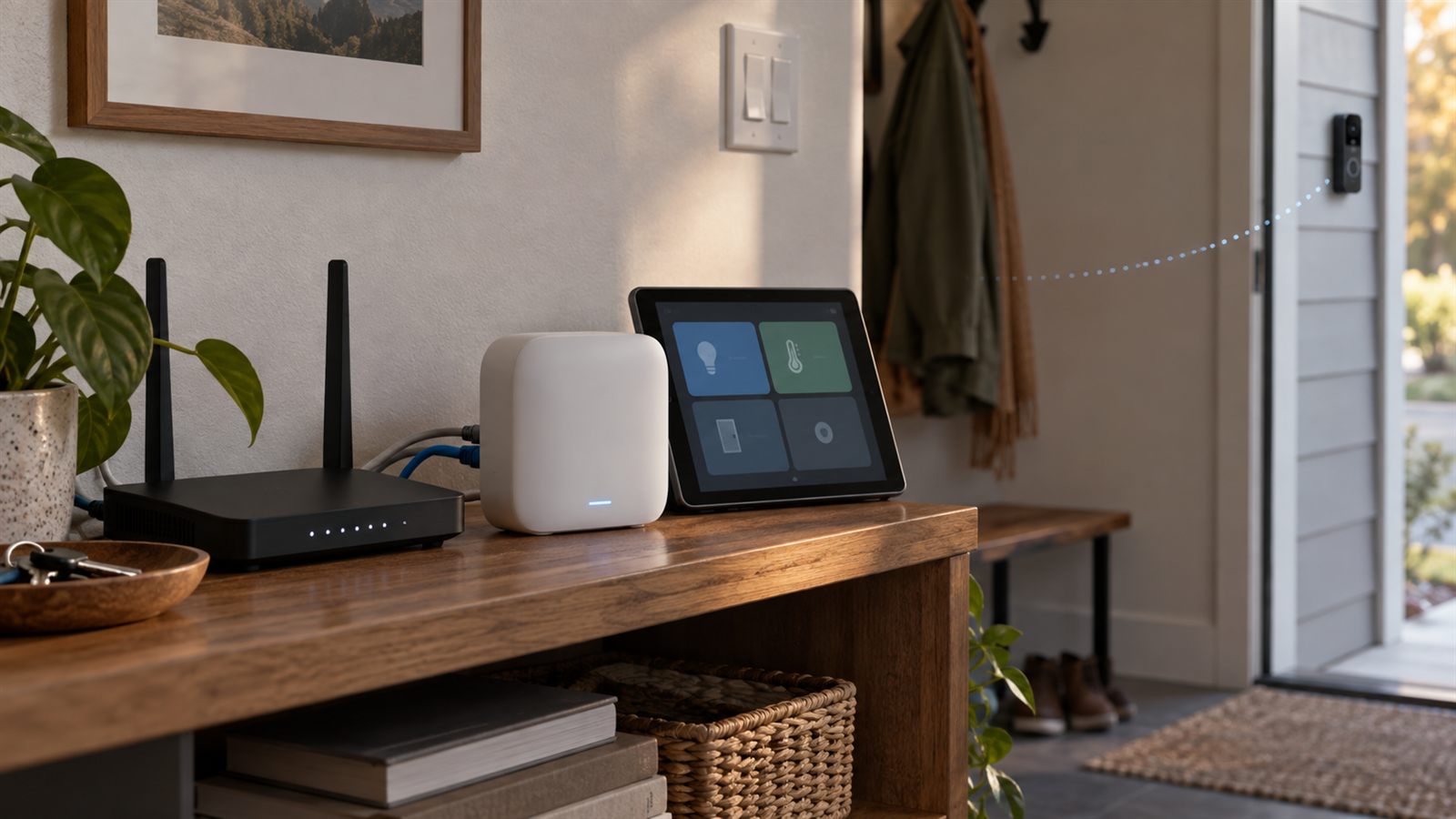
I own a HomeBase 3, model T8030. The older video doorbell was taken out by lightning; I have not installed a replacement doorbell. My Omni S2 vacuum uses Matter, which tells me nothing about HomeBase camera support. This is buying and integration guidance, not a review of a replacement camera.
Check the camera model, not just the brand
Eufy’s HomeBase S380 product page includes compatibility information and a downloadable guide. Match the exact camera or doorbell model, including its power variant. Do not assume that a similarly named device has the same recording options or HomeBase support.
The storage bay accepts a 5 V, 2.5-inch SATA HDD or SSD; Eufy says 12 V drives are unsupported. USB backup and the internal recording drive are different uses. Before buying storage, work out whether the chosen camera records events or continuously, and whether the recording mode you want is supported with this base.
I would also check how to export a clip before relying on the system. Being able to play footage in an app is not the same as having a copy somewhere else if the base or its drive fails.
The Home Assistant integration has changed
The older Eufy Security integration now says it will receive no further updates and links to its replacement. The maintainer archived the legacy hassio-eufy-security-ws repository on September 12, 2026; its deprecation notice points development toward the new SDK.
There is now a replacement HACS integration, not only a library. It requires Home Assistant 2026.6.4 or later and a running bridge signed into Eufy. The Supervisor add-on packages that bridge; a separate Docker deployment is another option. The HACS component connects to the bridge over WebSocket, with video handled through the bridge’s go2rtc.
The replacement’s documentation describes entities based on each device’s reported capabilities. That is a reason to check the exact hardware, not a guarantee that every Eufy device exposes every function. Local recording on HomeBase does not make this account-backed integration equivalent to the S2’s Matter connection.
Check the bridge host before installing: the add-on documents amd64 and aarch64 support, not 32-bit armv7. Its README also distinguishes authenticated Supervisor ingress from the raw WebSocket, which lacks that authentication. A separate Docker deployment needs network restrictions; do not port-forward the raw bridge to the internet or assume that signing into Eufy authenticates clients connecting to it. Keep access limited to Home Assistant and trusted administration hosts.
What I would test before depending on it
I have not completed this migration on my HomeBase. These are the acceptance checks I would use. Keep the Eufy app available throughout; test one camera before moving automations for the rest.
| Check | Evidence to look for | What a pass does not prove |
|---|---|---|
| Live view | Start and stop a stream, then start it again after the camera has been idle. | A working stream does not verify motion or doorbell events. |
| Doorbell press or motion | Generate the physical event and inspect the Home Assistant automation trace. | Manually running the actions only tests the actions, not event delivery. |
| Recording | Find the corresponding clip in Eufy’s app and export it. | An event in Home Assistant does not prove that a clip was saved. |
| Recovery | During a planned test window, restart the integration’s bridge and confirm events resume afterward. | An entity becoming available does not prove its event subscription recovered. |
Run tests while someone is present and do not interrupt recording you depend on. I would not start by disconnecting the whole security system or changing every camera at once.
Existing automations need a migration pass
The replacement integration documents changed entity names and separate device registry entries. Examples include person_detected becoming person, and guard_mode becoming arming_mode. Old device IDs are not a reliable match for the new entries. See its migration notes.
Before changing anything, take a Home Assistant backup and record which automations use each camera. Check scripts, templates, notifications, and YAML dashboards as well as the entity list. Match replacements against the physical devices, especially if names are duplicated. Then repeat the physical-event tests above. I would keep the old configuration available for rollback until each dependency has been checked.
A scheduled mode is not the currently enforced mode
The migration notes reviewed October 10 distinguish select.X_arming_mode from sensor.X_current_mode. The select can say schedule; the sensor resolves the timetable using Home Assistant’s configured time zone. A mismatch with the station’s local time can shift that interpretation. In Geo mode, the documentation says the current mode is unknown because the hub does not report the presence-selected mode.
Before rebuilding an armed-status notification, compare these entities with the Eufy app at a known schedule transition. Treat unknown or unavailable as unverified, not as proof that the system is armed or disarmed. I have not performed that migration test on my hardware.
Would I buy it?
For compatible cameras and centralized recording, HomeBase 3 is worth considering. For a Home Assistant dashboard alone, I would first want evidence that my exact camera and required events work with the current integration.
If I already owned the base and it recorded reliably, a Home Assistant migration would not by itself be a reason to replace it. I would keep recording working in Eufy’s system, migrate one automation at a time, and verify the behavior I use. A light turning on when somebody presses the doorbell is optional; the doorbell doing its own job is not.