Workbench
How I Control Six WLED Controllers as One Kitchen Light in Home Assistant
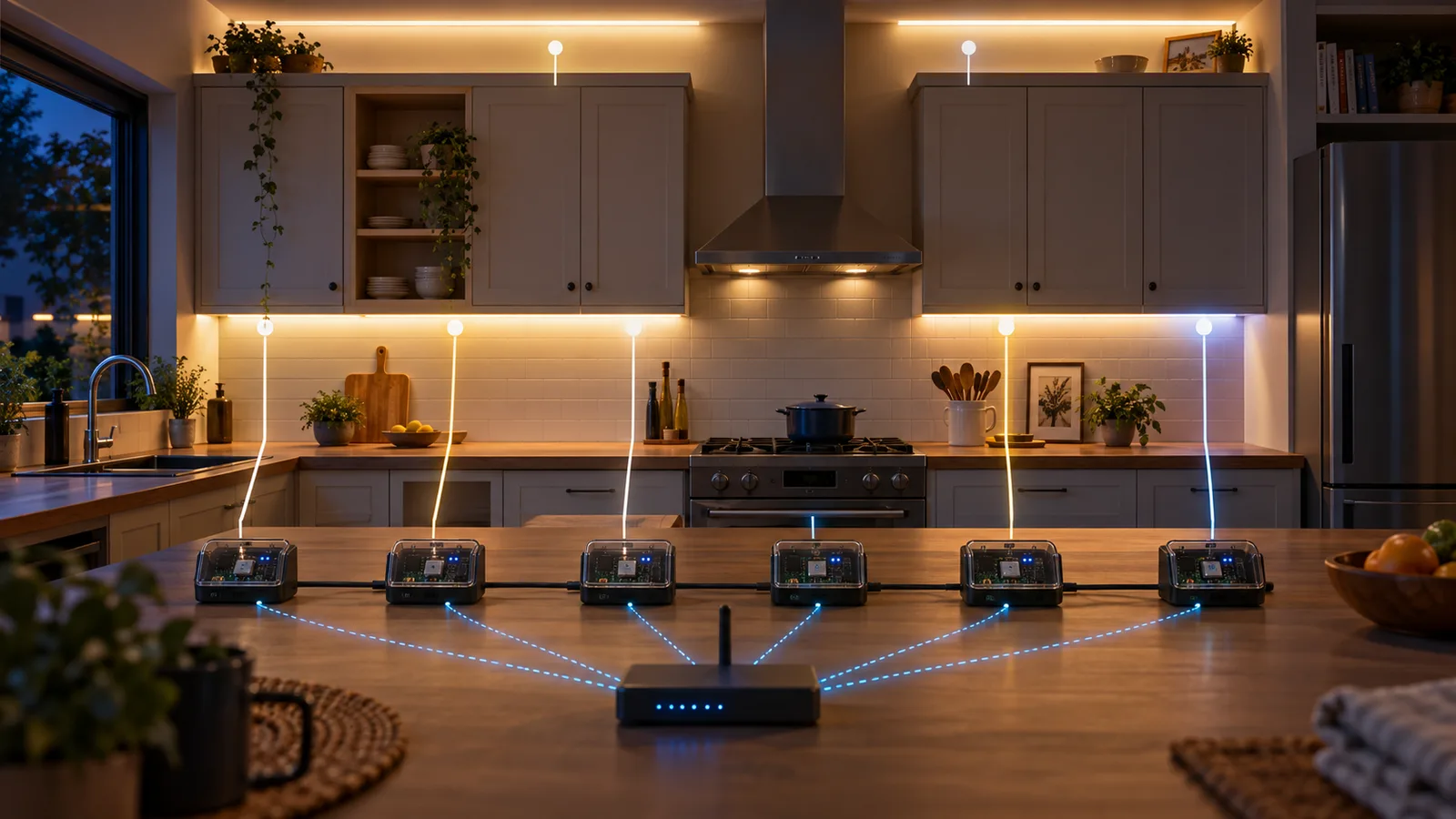
My kitchen has six separate WLED controllers. I wanted one brightness control, one off button, and a few lighting modes that did not leave half the room the wrong shade of white.
Why there are six controllers in one room
The kitchen lighting is physically split across two under-cabinet runs and four runs above cabinets, a desk, and a nook. Each run has its own WLED controller. That gives me sane wiring and independent serviceability, but Home Assistant sees six lights where a person standing in the kitchen sees one installation.
I grouped them into one entity:
light:
  - platform: group
    name: Kitchen Lights
    unique_id: kitchen_lights
    entities:
      - light.kit_und_cab_1
      - light.kit_und_cab_2
      - light.kit_desk_abv
      - light.kit_abv_cab_1
      - light.kit_abv_cab_2
      - light.kit_nook_abv
That group is still useful. It gives the dashboard one brightness slider and one switch. The trouble started when I wanted “soft white” to mean the same thing on all six runs.
Attempt one: treat unlike strips as two sets
My first soft-white script made two Home Assistant service calls. Three entities received color_temp_kelvin: 2700. The other three received rgbw_color: [0, 0, 0, 255]. Both sets got 70% brightness.
That was the first honest description of the hardware: this was not really one homogeneous light. Home Assistant’s WLED integration exposes one color model per segment, and mixed RGB, white, and CCT hardware does not always fit behind the same controls.
Attempt two: force Solid before setting white
The color and brightness commands did not reliably win if a controller was still running an effect. I added effect: Solid to both calls. That was a one-line fix in each half of the script, and it solved a real state problem: “set this color” was not enough if the active effect was still changing it.
It also made the script more revealing. I was issuing several abstract light commands and hoping each controller translated them into the same WLED state. For this installation, I cared more about the exact resulting state than the abstraction.
The version I kept: one helper, six JSON posts
WLED exposes a local JSON API at /json/state. I added one Home Assistant REST command and one reusable script. The hostnames below replace my private LAN addresses, but the rest is the same shape as the live configuration.
rest_command:
  wled_set:
    url: "http://{{ host }}/json/state"
    method: POST
    content_type: "application/json"
    payload: "{{ body }}"
kitchen_apply:
alias: Kitchen - Apply WLED state
fields:
body:
description: WLED /json/state JSON payload
sequence:
- repeat:
for_each:
- wled-kitchen-1.local
- wled-kitchen-2.local
- wled-kitchen-3.local
- wled-kitchen-4.local
- wled-kitchen-5.local
- wled-kitchen-6.local
sequence:
- service: rest_command.wled_set
continue_on_error: true
data:
host: "{{ repeat.item }}"
body: "{{ body }}"
mode: restartEvery named mode now calls that helper. Soft white is a solid effect (fx: 0) with an RGBW blend and a master brightness of 180:
kitchen_soft_white:
  alias: Kitchen - Soft White
  sequence:
    - service: script.kitchen_apply
      data:
        body: >-
          {"on":true,"bri":180,
           "seg":[{"fx":0,"col":[[255,150,50,255]]}]}
  mode: single
Bright white sends no RGB and drives the white channel fully:
{"on":true,"bri":255,"seg":[{"fx":0,"col":[[0,0,0,255]]}]}The WLED API defines bri on a 0–255 scale, fx as the effect ID, and each col entry as three or four bytes for RGB or RGBW. The numbers in my soft-white payload are a visual blend for these strips, not a claim that the output is a calibrated Kelvin temperature.
Two small details make the helper usable
continue_on_error: true
One powered-off or unreachable controller should not prevent the remaining five from changing. I added failure isolation after the first version so a missing run would be visible as one dark section, not a script that stopped halfway through the list.
mode: restart
If I choose Soft White and immediately choose Dinner, I want the newer request to win. Restart mode stops the older run and starts the helper again with the new payload.
What stays in Home Assistant and what goes straight to WLED
| Job | Control path | Why |
|---|---|---|
| Whole-kitchen on/off | Home Assistant light group | Simple dashboard and voice control. |
| Whole-kitchen brightness | Home Assistant light group | The common abstraction is good enough. |
| Soft, warm, dinner, and bright white | WLED JSON helper | I want an exact effect, color array, and brightness on all six controllers. |
| Rainbow, fireplace, aurora, and party | WLED JSON helper | These are native WLED effects, not generic light states. |
| Controller health and updates | Home Assistant WLED integration | The integration exposes uptime, signal, current estimates, restart, and firmware entities. |
Would I build it the same way now?
I would keep the split: a light group for normal control and a precise path for named modes. Home Assistant’s current WLED documentation explicitly notes the mixed-strip color-model limitation and suggests WLED presets when secondary or tertiary colors need to survive. Presets are a good alternative if I want each controller to own its exact state locally.
I would also use stable local names or DHCP reservations from the beginning. My live script still contains fixed private addresses; they work, but names make the configuration easier to read and move.
Most importantly, I would not start by asking how to make six entities look identical. I would start by listing what the six pieces of hardware can actually do. The group should cover the overlap. The named modes can handle the differences.
References: Home Assistant’s WLED integration and known limitations · WLED JSON API
Disclosure: This article comes from my Home Assistant configuration and its change history. I have not added product links because the repository does not identify the exact LED strips, power supplies, or controller boards well enough for me to recommend them honestly.