Analysis
Make a Power-Switched WLED Cove Reliable in Home Assistant
Model a WLED cove’s soft-off and hard-off states separately. If a wall control can remove power, restore power first, wait for the controller to become available, then apply the scene through one shared startup helper.
In this article
The cove has two layers of control
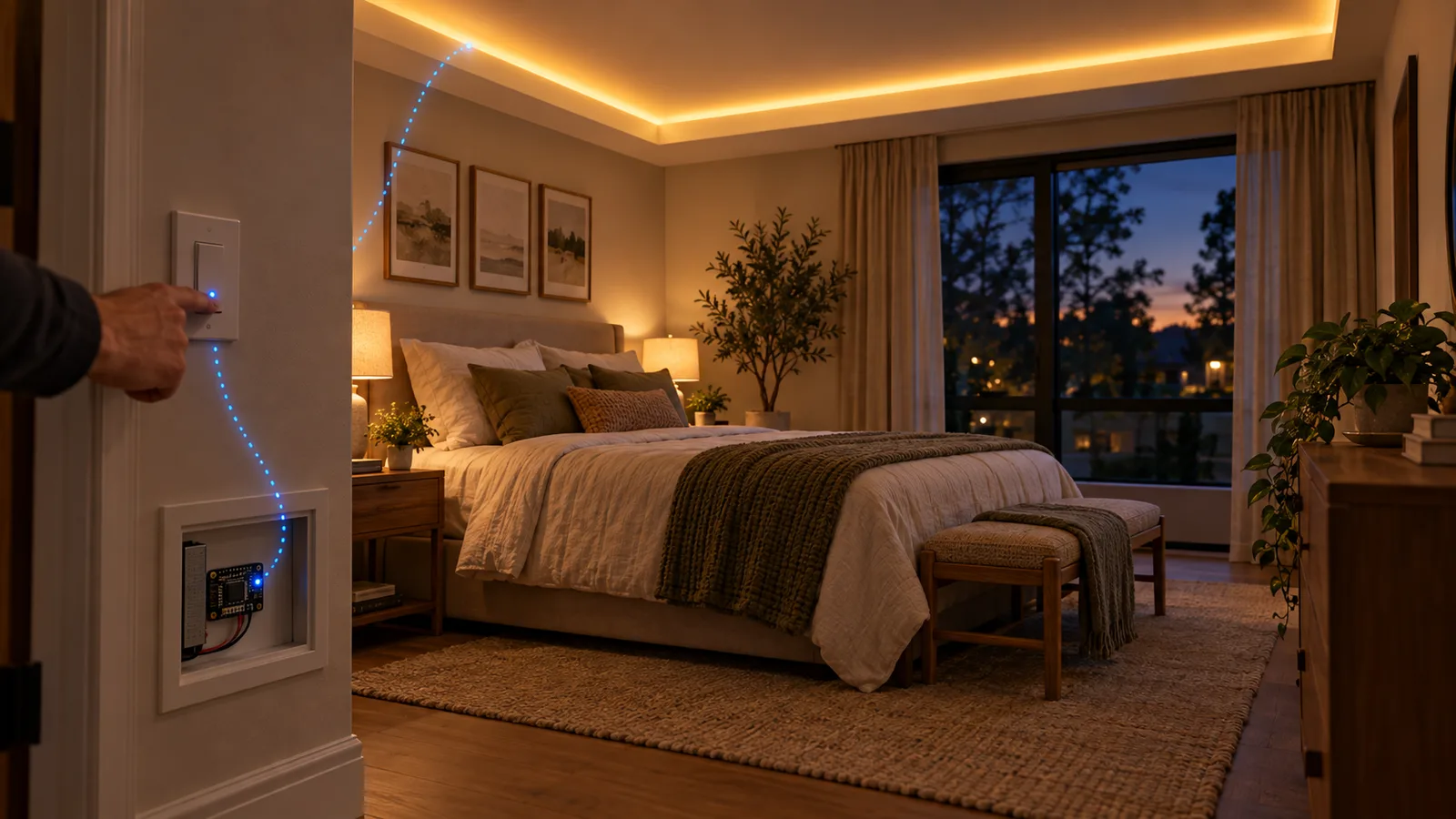
The LED controller handles brightness and color. A Lutron Caséta switch sits upstream and can remove power from the controller entirely. That second control is useful when I actually want the hardware dead, but it creates a startup problem: Home Assistant can turn on the switch faster than the controller can boot, join Wi-Fi, and become available.
If I send the lighting command immediately after restoring power, the HTTP request can land while nothing is listening. Home Assistant has done exactly what I asked, and the room stays dark.
This is different from my Bond ceiling-fan mistake. I was cutting power to that receiver during ordinary use, so the reliable fix was to leave it powered. The cove also stays powered during ordinary use. The hard power cut exists, but it is explicit—and every scene knows how to recover from it.
The helper owns the startup sequence
I do not repeat the timing logic in every scene. One Home Assistant script turns on the Caséta switch, waits for its state check or timeout, adds a small settling delay, and posts the requested state to WLED’s JSON API.
cove_apply:
  alias: Cove - Apply WLED state (power-aware helper)
  fields:
    body:
      description: WLED /json/state JSON payload
  sequence:
    - action: switch.turn_on
      target:
        entity_id: switch.master_bedroom_cove_lights
    - wait_template: >-
        {{ not is_state('light.bedroom_cove', 'unavailable') }}
      timeout: "00:00:25"
      continue_on_timeout: true
    - delay: "00:00:02"
    - action: rest_command.wled_set
      continue_on_error: true
      data:
        host: WLED_HOST
        body: "{{ body }}"
  mode: restart
The host is replaced with a placeholder here. Publishing an internal address would add nothing useful; the pattern is what matters.
mode: restart is deliberate. If I ask for Relax and immediately ask for Read, I care about the newest request. I do not want two copies of the boot sequence queueing commands for a room that has already changed its mind.
Why the extra two seconds exist
The expression not is_state(..., 'unavailable') only excludes one state. It also passes for unknown; it does not prove that WLED is reachable. The extra two seconds are a settling delay, not an HTTP health check.
The 25-second timeout is generous because this is lighting, not an emergency control. The current script continues after a timeout and also continues if the REST command fails. That keeps a bad light from stopping a larger scene, but it has a tradeoff: this is best-effort behavior. A failed start can remain a dark room instead of becoming a noisy automation error.
If I find that happening in normal use, the next change is not a longer blind delay. I would add a bounded retry and report the failure. I have not added that complexity without evidence that it is needed.
A stricter wait for a new installation
The example above records the existing helper. If adapting it, I would replace its wait step with this version:
- wait_template: >-
    {{ states('light.bedroom_cove') in ['on', 'off'] }}
  timeout: "00:00:25"
  continue_on_timeout: false
Use your WLED light entity ID. This accepts the light’s normal on/off states and stops the script on timeout, instead of proceeding with an unknown or unavailable entity. It belongs after the power-on action and before the delay and REST action. It is a proposed replacement, not a change I have deployed to the household script.
A known state can still be stale, and the HTTP request can still fail after the wait. Check the automation trace and the physical light. In a safe test setup, try an already-available controller, a controller that becomes available late, and one that never returns. The last case should end before the REST action. Decide separately whether stopping this helper should stop a calling scene or merely report a missed light.
The relevant behavior is documented in Home Assistant’s wait actions and state templates. This replacement has not been exercised against the physical controller.
The REST command stays generic
The Home Assistant REST command accepts a host and a JSON body. Every cove scene calls the same endpoint:
rest_command:
  wled_set:
    url: "http://{{ host }}/json/state"
    method: POST
    content_type: "application/json"
    payload: "{{ body }}"
Home Assistant’s RESTful Command integration supports templated URLs and payloads. WLED’s official JSON API accepts partial state updates at /json/state, including power, brightness, colors, effects, and segments.
I use the JSON API here because I want to state the exact RGBW values. The same command can move between scenes without asking Home Assistant’s generic light abstraction to translate the white channel.
Three scenes, no copied boot logic
The scenes are intentionally thin. They supply a state; the helper handles power and timing.
cove_relax:
  alias: Cove - Relax
  sequence:
    - action: script.cove_apply
      data:
        body: >-
          {"on":true,"bri":64,
           "seg":[{"fx":0,"col":[[255,120,40,180]]}]}

cove_read:
  alias: Cove - Read
  sequence:
    - action: script.cove_apply
      data:
        body: >-
          {"on":true,"bri":150,
           "seg":[{"fx":0,"col":[[255,160,80,220]]}]}

cove_nightlight:
  alias: Cove - Nightlight
  sequence:
    - action: script.cove_apply
      data:
        body: >-
          {"on":true,"bri":20,
           "seg":[{"fx":0,"col":[[255,90,20,120]]}]}
The numbers are the live values in my configuration: brightness 64 for Relax, 150 for Read, and 20 for Nightlight. WLED brightness uses a 0–255 range. The fourth color value drives the separate white channel in this strip setup.
I also force effect zero. A reading scene should not inherit whatever animation happened to run last.
“Off” and “full off” are not synonyms
The everyday off script talks to WLED and leaves the controller powered:
cove_off:
  alias: Cove - Off (dark)
  sequence:
    - action: rest_command.wled_set
      data:
        host: WLED_HOST
        body: '{"on":false}'
The full-off script does only one thing: it cuts the upstream Caséta switch.
cove_full_off:
  alias: Cove - Full Off (cut power)
  sequence:
    - action: switch.turn_off
      target:
        entity_id: switch.master_bedroom_cove_lights
I keep the names blunt because they represent different failure states. “Dark” can turn on instantly. “Cut power” requires a boot before the next scene can work.
What I would preserve if I rebuilt it
- One helper owns the startup attempt. Every scene gets the same power-on and wait behavior.
- Normal off leaves the controller reachable. I reserve the hard cut for an explicit request.
- The newest scene wins. Restart mode prevents stale commands from finishing later.
- Published examples hide internal addresses. Readers need the shape of the configuration, not my network map.
- Failure remains bounded. The helper waits 25 seconds; it does not hang indefinitely.
What I would improve only if the logs justify it
The current helper does not prove the final state. It waits for the state check or timeout and sends one best-effort command. If the controller joins Wi-Fi but the request still fails, the scene can be missed.
A more defensive version could check the REST response, retry once, and create a notification after the second failure. That would be better on paper and noisier in practice. I am leaving it out until the existing sequence shows a real reliability problem.
Separating soft off from a power cut makes the startup sequence understandable. Whether a missed scene should be retried, reported or ignored is still a decision the script needs to express.
Disclosure: This is the configuration running the bedroom cove in my house.