Workbench
How I Added the Eufy Omni S2 to Home Assistant with Matter
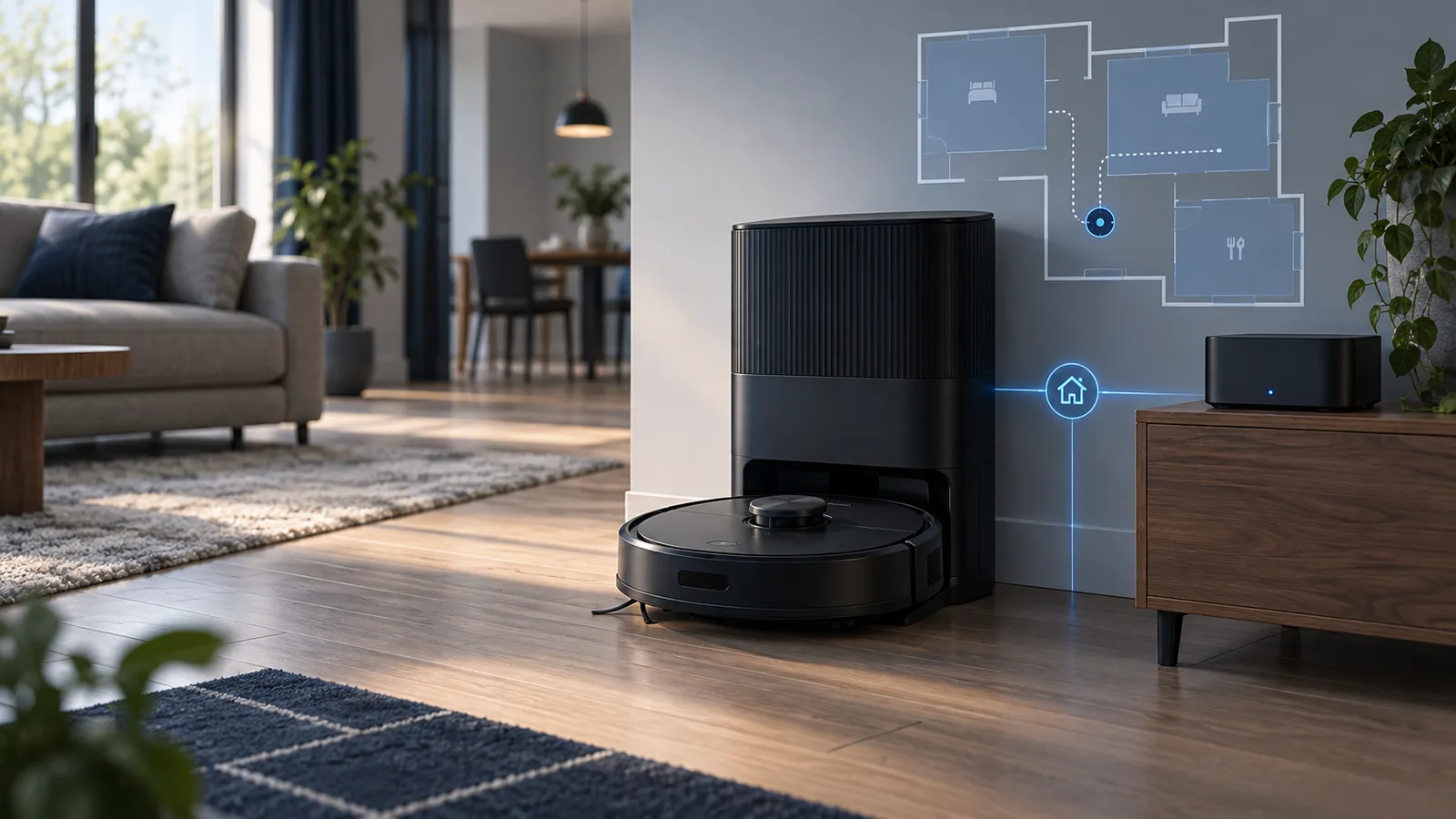
I added my Eufy Omni S2 to Home Assistant through Matter. It can clean one room, a list of rooms, or the whole downstairs without a vendor-specific integration. It is also a good example of what Matter gets right—and what still looks unfinished.
Why this is a new setup, not an S1 migration
The previous vacuum here was a Eufy S1 Pro. Lightning took it out. The configuration repository still contains an old custom component with that model in its name, but it is not what controls the current vacuum.
The S2 is paired through Home Assistant’s Matter integration. Home Assistant identifies it as an Anker Innovations Technology “eufy Robot Vacuum,” with eleven entities attached to the device. That distinction matters because the useful controls come from the standard Matter vacuum model, not from an abandoned S1 component or a cloud workaround.
What the S2 exposes in Home Assistant
| Piece | What I use it for |
|---|---|
vacuum.s2 |
Start, pause, dock, and clean mapped areas. |
select.s2_clean_mode |
Choose vacuum-only, mop-and-vacuum, deep, quick, low-noise, or Eufy’s custom mode. |
| Operational state | Tell whether the S2 is docked, charging, cleaning, or looking for its charger. |
| Operational error | Trigger an alert when the vacuum reports a problem. |
| Battery and charge state | Useful in principle, but the percentage is not trustworthy in this setup yet. |
The clean-mode selector currently offers eight choices: Auto Mop & Vacuum, Auto Vacuum, Auto Deep Mop & Vacuum, Quick Mop & Vacuum, Quick Vacuum, Low Noise Mop & Vacuum, Low Noise Vacuum, and Eufy Customize Mode.
The part that makes room cleaning work
The Eufy app knows its own map and room boundaries. Home Assistant has a separate list of areas. I mapped the vacuum’s segments to Home Assistant areas once in the vacuum entity settings. After that, scripts can use readable area IDs instead of Eufy’s private segment numbers.
Home Assistant added the standard vacuum.clean_area action in 2026.3, with Matter among the first supported platforms. That is the key. The automation no longer needs to know that the kitchen happens to be segment 7 today.
One room
My first script accepts a Home Assistant area and a simple choice between vacuuming and vacuuming plus mopping. It sets the S2 mode, waits one second for that choice to land, then starts the mapped area.
alias: S2 Clean Room
mode: restart
fields:
  area:
    name: Area
    required: true
    selector:
      area: {}
  mode:
    name: Mode
    default: Vacuum + Mop
    selector:
      select:
        options:
          - Vacuum
          - Vacuum + Mop
sequence:
  - action: select.select_option
    target:
      entity_id: select.s2_clean_mode
    data:
      option: >-
        {{ 'Auto Vacuum' if mode == 'Vacuum'
           else 'Auto Mop & Vacuum' }}
  - delay: "00:00:01"
  - action: vacuum.clean_area
    target:
      entity_id: vacuum.s2
    data:
      cleaning_area_id: "{{ [area] }}"
The area selector is the important usability detail. When I call the script from an automation or the Home Assistant interface, I choose a normal room instead of typing an ID.
Several rooms and the whole floor
The zone version uses the same sequence but allows several areas. It also exposes every exact clean mode reported by the S2, while keeping “Vacuum” and “Vacuum + Mop” as the easy choices.
- action: vacuum.clean_area
  target:
    entity_id: vacuum.s2
  data:
    cleaning_area_id: "{{ areas }}"
The whole-house script is deliberately boring. It contains a fixed list of the mapped areas I want cleaned and sends that list to the same action. I do not include utility spaces or every bedroom just because they exist in Home Assistant. “Whole house” means the normal cleaning route for this floor, not every area in the database.
The alert I actually wanted
A vacuum rarely needs an elaborate dashboard. It needs to tell me when it failed quietly. My automation creates a persistent Home Assistant notification in either of two cases:
- The operational-error sensor changes away from
no_error. - The S2 spends eight minutes seeking its charger, which usually means a closed door or a physical trap.
triggers:
  - trigger: state
    entity_id: sensor.s2_operational_error
    from: no_error
  - trigger: state
    entity_id: sensor.s2_operational_state
    to: seeking_charger
    for: "00:08:00"
That is more useful to me than a notification after every successful run. Silence means it handled the job.
What is still rough
The live device currently says the battery is at 0% while the charge-state entity says “Full charge.” I am not using the percentage in automations until that contradiction is fixed. The device history also flips rapidly among docked, charging, and not charging while it sits at the station. The broad operational state is useful; the fine-grained charging telemetry is noisy.
Matter also does not replace the Eufy app. Home Assistant can issue the cleaning job and observe the important state, but the Eufy app remains the place for the rich map, map editing, station settings, obstacle details, and model-specific tuning. The split is acceptable: local automation in Home Assistant, detailed appliance management in the vendor app.
Would I add it this way again?
Yes. The setup gives Home Assistant the controls that matter to the rest of the house without putting a third-party password-based integration in the middle. The scripts use standard actions and area names, so they are readable and easy to call from buttons, schedules, or presence automations.
I would not build anything important on the battery percentage yet, and I would keep the one-second delay after changing the cleaning mode. I would also keep the scripts thin. The S2 already knows how to navigate and clean; Home Assistant only needs to tell it where, how, and when.
References: Home Assistant 2026.3 area-cleaning release · Home Assistant clean-area action · Eufy Omni S2 specifications
Disclosure: This is the configuration running with my S2. Product specifications come from Eufy; the Home Assistant behavior and YAML come from the live device and scripts. The product link is not currently an affiliate link. If that changes, I will label it.