Analysis
How to Diagnose a Home Network After Router Failure
After a router or access-point failure, diagnose the local network from the bottom up: power, links, switching, DHCP, DNS, Wi-Fi, discovery, and only then the internet service. A speed test cannot validate the layers below it.
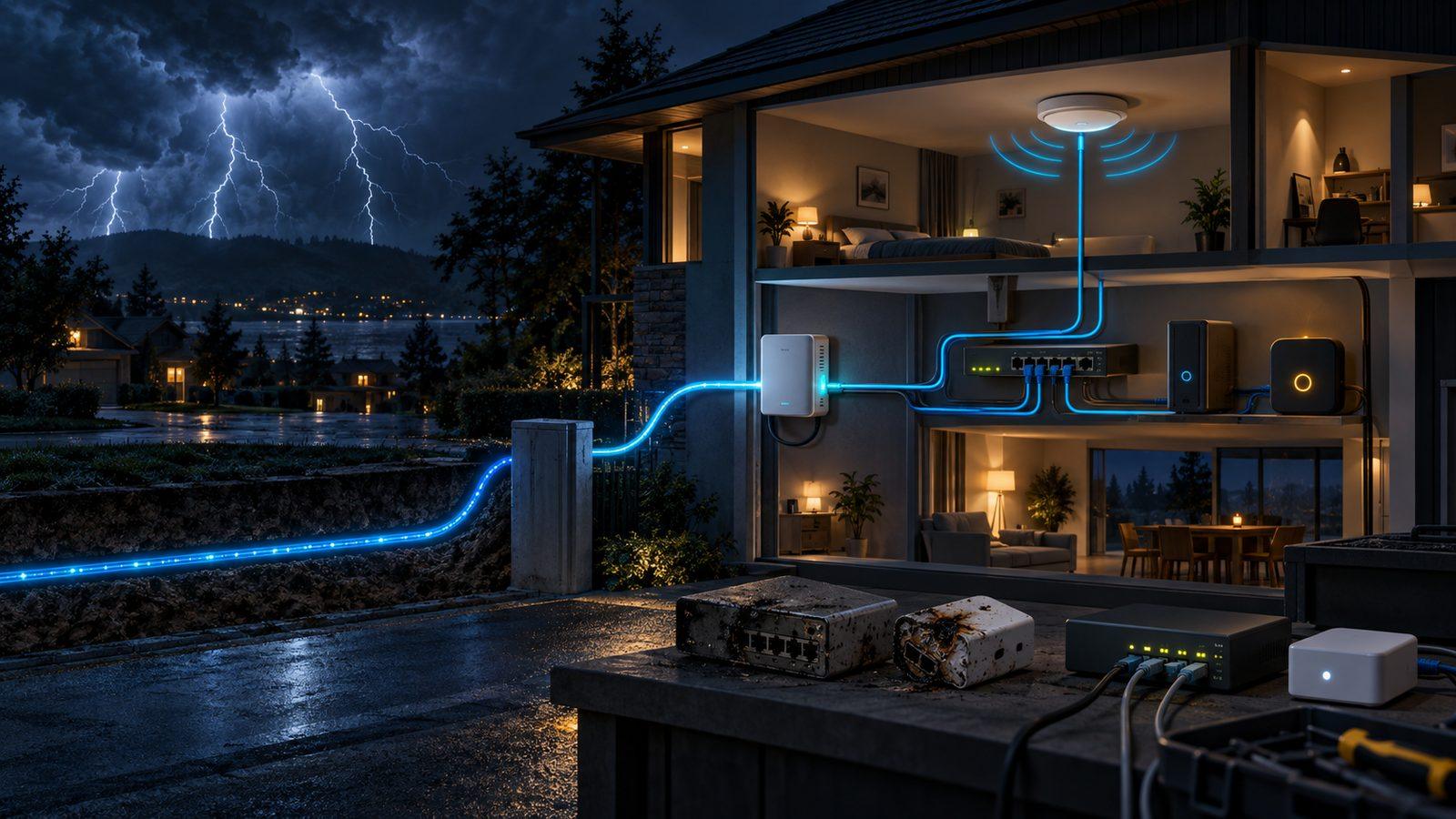
The household configuration below is the September 13, 2026 snapshot used for this article. It explains the diagnosis; it is not a live status report on my network.
In this article
What the lightning actually removed
The failed equipment was doing more than passing internet traffic. My MikroTik hAP ac² had been the router, and a MikroTik cAP supplied part of the wireless layer. Both went out in the same incident. The temporary arrangement moved gateway and DHCP duties to the AT&T BGW320-505. An older MikroTik RB2011 stayed in service only as an unmanaged stand-in switch, with its DHCP server disabled.
That distinction matters. The BGW320 could hand out addresses, route traffic, and hold the required port forwards. The RB2011 could connect Ethernet devices. Neither fact meant the previous topology, wireless coverage, DNS behavior, monitoring, or recovery path had magically returned.
A speed test collapses all of that into one attractive number. If a laptop can reach a nearby test server at several hundred megabits per second, the result says the path between that laptop and that server was fast for the duration of the test. It says nothing about a difficult Wi-Fi room, local DNS, or whether Home Assistant can still find an ESP32 light.
Home Assistant makes the local network visible
My house has devices that are useful precisely because their control path is local. The Lutron Caséta integration is classified by Home Assistant as Local Push. The WLED integration normally receives real-time updates from each ESP32 controller over a local WebSocket connection. Bond, Matter devices, HomeBase 3, and the Eufy Omni S2 add their own discovery and availability assumptions.
Those devices do not become healthy because a browser can load a website. Home Assistant can have internet access while a WLED controller is stranded on the wrong wireless segment. A phone can stream video while multicast discovery fails. A Matter device can remain powered while the controller that gives it useful context cannot reach it.
This is why I separate “the internet is up” from “the house is working.” The first asks whether traffic can leave the property. The second asks whether local clients received the right configuration and can reach the local services and devices they need.
The dependencies have an order
One of my WireGuard clients exposes a less obvious version of the problem. Its peer is configured with a hostname rather than a fixed address. At boot, wg-quick has to resolve that hostname before it can bring up the tunnel. A routable address alone is not enough; DNS also has to be ready.
The reviewed configuration included a small retry service ordered after both network-online.target and nss-lookup.target. It was configured to restart on failure after a short delay. The retry exists because a passive peer cannot repair a tunnel that never established an endpoint in the first place.
Systemd leaves the meaning of network-online.target to the network manager and its wait service; a configured address is a common criterion, not a universal guarantee. After= only orders units that are already being started. It does not pull the target into the transaction. Check the relevant wait service and dependency configuration before relying on that ordering. Even then, reaching the target is a startup milestone, not continuous monitoring of DNS or the remote endpoint.
This is a small detail until a reboot follows an outage. Then it is the difference between a tunnel returning by itself and a tunnel staying down until someone notices.
Dynamic DNS is another control loop
I also treat dynamic DNS as a separate service, not a property of the fiber connection. The September configuration had two clients checking and updating home WAN records on staggered five-minute schedules. Staggering reduces synchronized requests; it does not prevent overlap when a job runs late or retries. A second client can cover a host failure only if it still has valid credentials, reaches the provider, and publishes the intended address.
That design still has boundaries. A working update client does not prove the router forwards the required traffic. A correct public record does not prove the local resolver returns the intended answer from inside the house. A port forward does not prove the destination service is listening. Each layer can be right while the complete path is wrong.
Two DNS servers can create an intermittent house
My Pi-hole incident supplied the cleanest example. One resolver allowed a domain that I needed; the other still blocked it. Clients were given both resolvers, so the same request could work or fail depending on which server answered. The internet connection was healthy throughout.
Adding more DNS servers is not redundancy when they enforce different policy. It is nondeterminism. I now treat resolver configuration as replicated infrastructure: the important question is not merely whether both servers respond, but whether both return the same intended result.
The same principle applies to DHCP. Two accidental DHCP servers do not make address assignment more reliable. They create a race between potentially different gateways, DNS servers, and lease policies.
My outage sequence starts below the speed test
I check the path in dependency order. That keeps a failed name lookup from turning into an hour of router replacement guesses.
| Check | Evidence to look for | What it does not prove |
|---|---|---|
| Power and link lights | Power and physical-link indications are present | Correct addressing or routing |
| Client address and lease | DHCP supplied usable local configuration | The configured gateway or DNS server works |
| Gateway by address | The local client can reach the router | Internet routing or name resolution |
| Public address by address | Outbound routing works without DNS | Hostnames or local services work |
| Public and local DNS | The intended resolvers return intended answers | Wi-Fi coverage or application health |
| Local device by address | Switching, wireless path, and device service work | Discovery across segments |
| Home Assistant entity | A fresh integration update or confirmed action, not just a cached entity state | Remote access works |
| WireGuard and remote path | DNS, routing, keys, firewall, and endpoint are aligned | Every local automation is healthy |
A failed ping alone is not proof of a failed route: the target or firewall may reject ICMP. Check the required service and distinguish timeout, refusal, and name-resolution failure. Link lights and cached entity values are clues, not end-to-end health tests.
The order is not sacred, but the separation is. If a client cannot reach its local gateway, changing public DNS is noise. If it can reach a public address but not a hostname, buying a faster access point is noise. If Home Assistant can reach a device by address but discovery fails, the problem is likely in multicast handling or segmentation rather than bandwidth.
A temporary network should say that it is temporary
The temporary arrangement also taught me not to let emergency roles become invisible architecture. In that snapshot, the provider gateway owned leases and forwarding. The older MikroTik was just a switch. The failed router remained in the inventory as expected-unreachable history, not as a target that automation should keep trying to configure.
Those labels prevent a future change from making a bad assumption. If an Ansible play treated the stand-in switch as the active router, or if a monitoring alert kept reporting the lightning-damaged unit as a surprise outage, the configuration would describe the network I used to have rather than the one carrying traffic after the incident.
I want the permanent replacement to restore deliberate ownership: one documented place for routing and leases, access points placed for the building, resolver policy that matches on both servers, and a recovery procedure that does not depend on remembering which box inherited which emergency job. Record those temporary roles in the inventory and remove them when the replacement takes over.
Replace the missing capability
Choose replacement equipment after identifying the coverage, Ethernet, PoE, VLAN, port-count, and recovery requirements. A faster fiber tier changes the external capacity; it cannot repair access-point placement or communication between two local devices.
The useful definition of “up”
For this house, “up” means more than a successful speed test. Clients need stable leases. Both DNS servers need matching policy. Home Assistant needs local reachability to Lutron, WLED, Bond, Matter, and the Eufy equipment. Remote access needs DNS and WireGuard to recover after boot. The pieces need to fail in a way I can diagnose.
Fiber is still valuable. It gives the network a fast external connection. The mistake is asking that connection to compensate for everything behind the gateway. Lightning made the boundary unusually obvious: the fast pipe was only one component, and it was not the component I had lost.
Configuration and sources
The system behavior in this article comes from the September 13 read-only review of my private home-infrastructure repository and incident notes. I have not revalidated the household topology for this update. The startup distinction is cross-checked against systemd’s official network-online documentation. The local-device behavior is cross-checked against Home Assistant’s official Lutron Caséta and WLED integration documentation.
I did not change the gateway, reboot the WireGuard client, simulate another outage, test wireless coverage, or benchmark the fiber connection for this article. I omitted private addresses, hostnames, tunnel endpoints, DNS record names, and credentials. The outage date, failed hardware, temporary roles, retry behavior, and staggered update design come from the maintained configuration and notes rather than a fresh destructive test.